Invoices/Receipts
Invoices/receipts are available as soon as you have paid by credit card, even if the campaign has not yet started.
To access an invoice or credit note, simply:
Go to the Orders section in the blue column on the left
Click on the order to open it
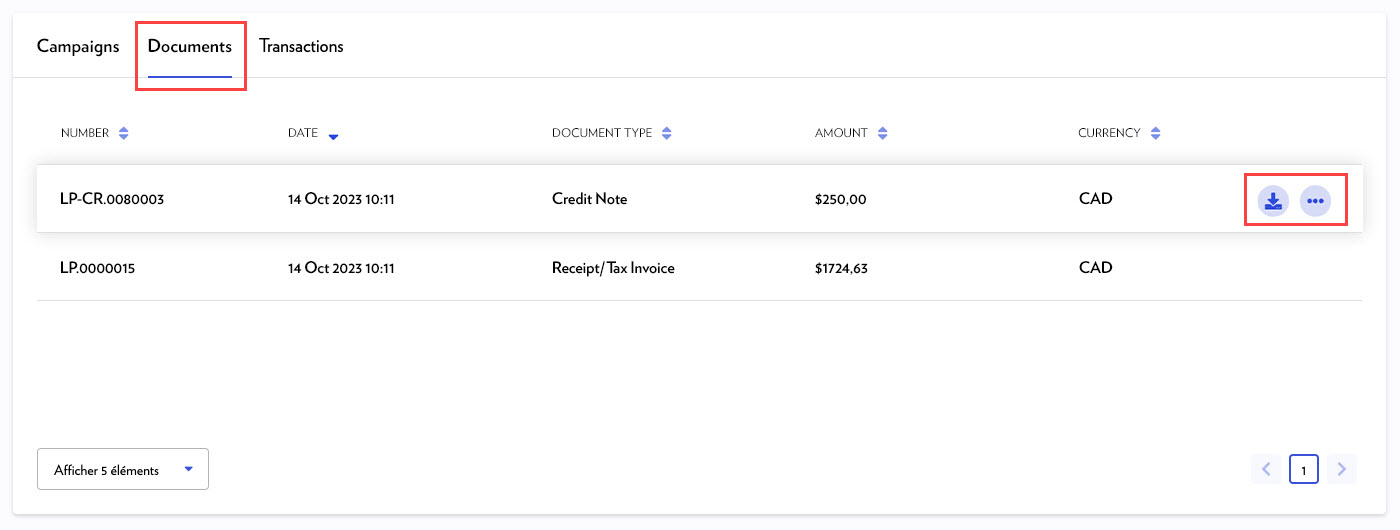
Select the Documents tab
Hover over the line to show:
the download icon: to download a PDF invoice
the three-dot icon: to preview or print the invoice