
Standard banners are published throughout the entire La Presse ecosystem (La Presse+, lapresse.ca, and mobile app).
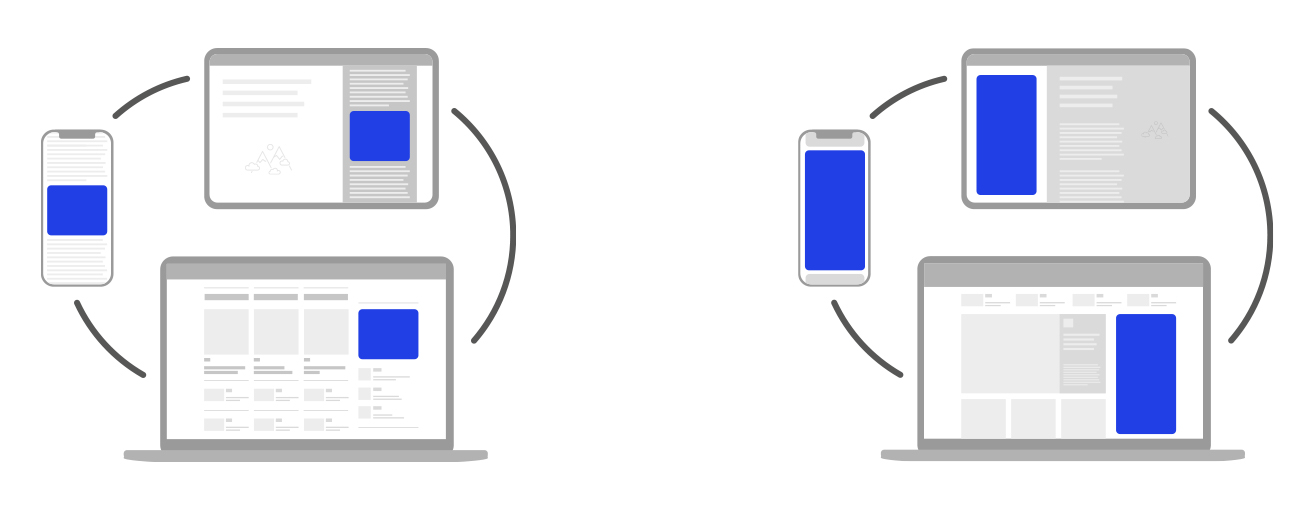
Please share the technical specifications below with your designer.
Alternatively, you can design your own ad using a free tool like Canva (see 'Half-page ad' templates). Please note that La Presse provides no warranty or technical support for this tool; its use is governed by its own terms and conditions, available on its website.
Technical specifications
Formats (dimensions)
-
300 x 250 pixels (big box)
-
300 x 600 pixels (double big box)
File types
-
Static images: JPG, PNG
-
Animated images: GIF
-
HTML5 files, as well as audio or video integration within banners, are not available via the Atelier Direct platform. These types of ads are, however, accepted through a direct purchase with an advertising consultant.
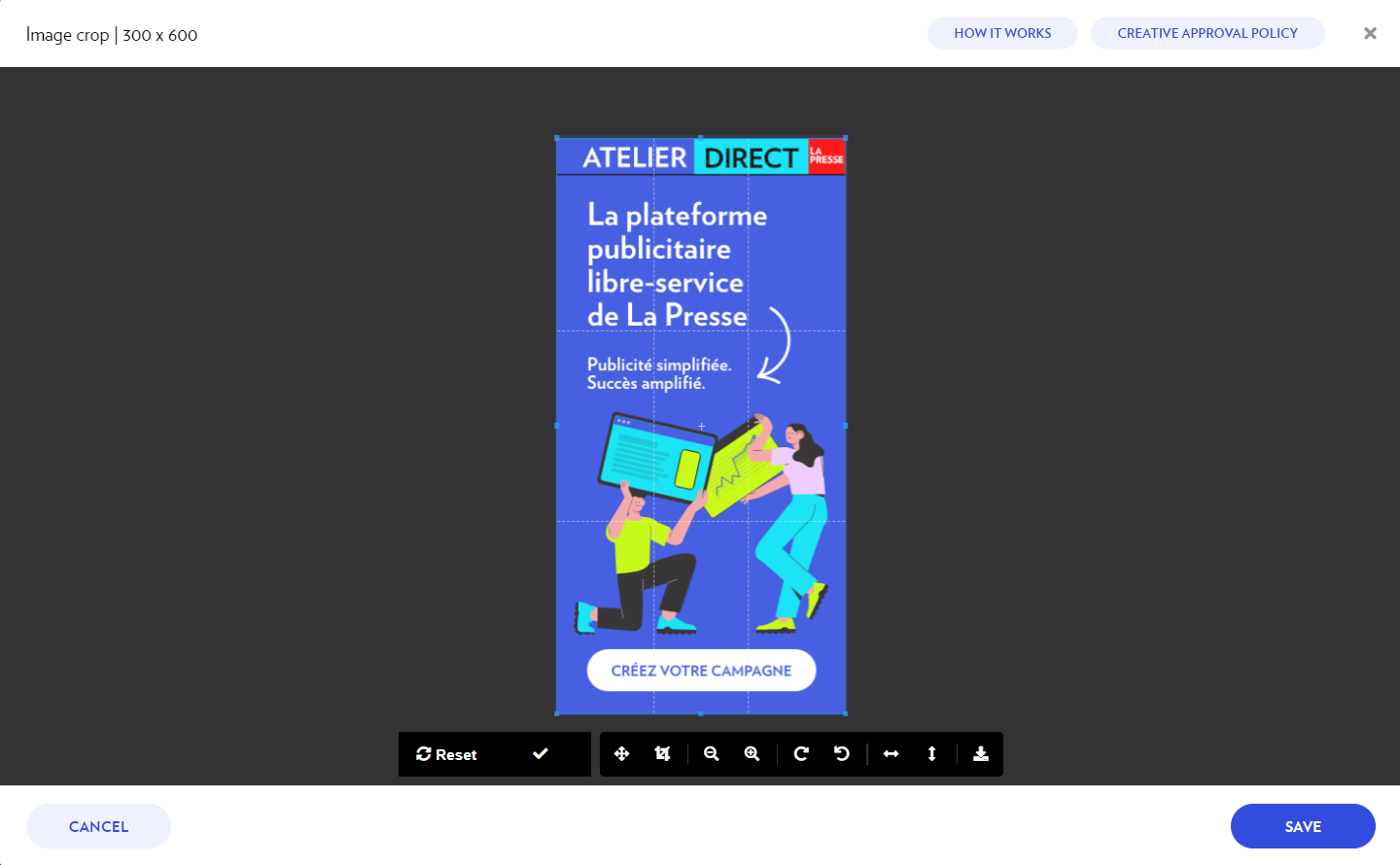
Note : JPG and PNG files can be cropped directly on the platform. However, GIF files must strictly adhere to the exact dimensions.
File size
-
Recommended: 180 KB
-
Maximum allowed: Up to 965 KB (GIF) and 2 MB (JPG and PNG)
Note: Files exceeding 180 kb will be automatically compressed by Atelier Direct.
Border
A 1-pixel border in a contrasting color, clearly defining the edges of the advertisement, is required for all creative assets with a light background.
Best practices
To quickly capture readers’ interest:
-
Keep your message short, punchy and easy to understand in just a few seconds.
The message needs to be both informative and inspirational to maximize performance. -
Use a high-quality image without visual overload.
-
Invite readers to click on the ad with a clear, short, and attractive call to action, ideally including an action verb. Avoid calls to action that are overly engaging (such as Prendre rendez-vous) or vague (such as Cliquez ici).
Please note that, to avoid any confusion for our readers, the use of the word article is not permitted. For example, calls to action such as Lire l’article or Consulter l’article are not authorized.
Upload Steps
Add a banner to your campaign in a few simple steps:
-
Click on + New Creative, available during the Creatives step of the Campaign Wizard or within the Creatives tab of an existing campaign (for more details, see the Adding creatives section).
-
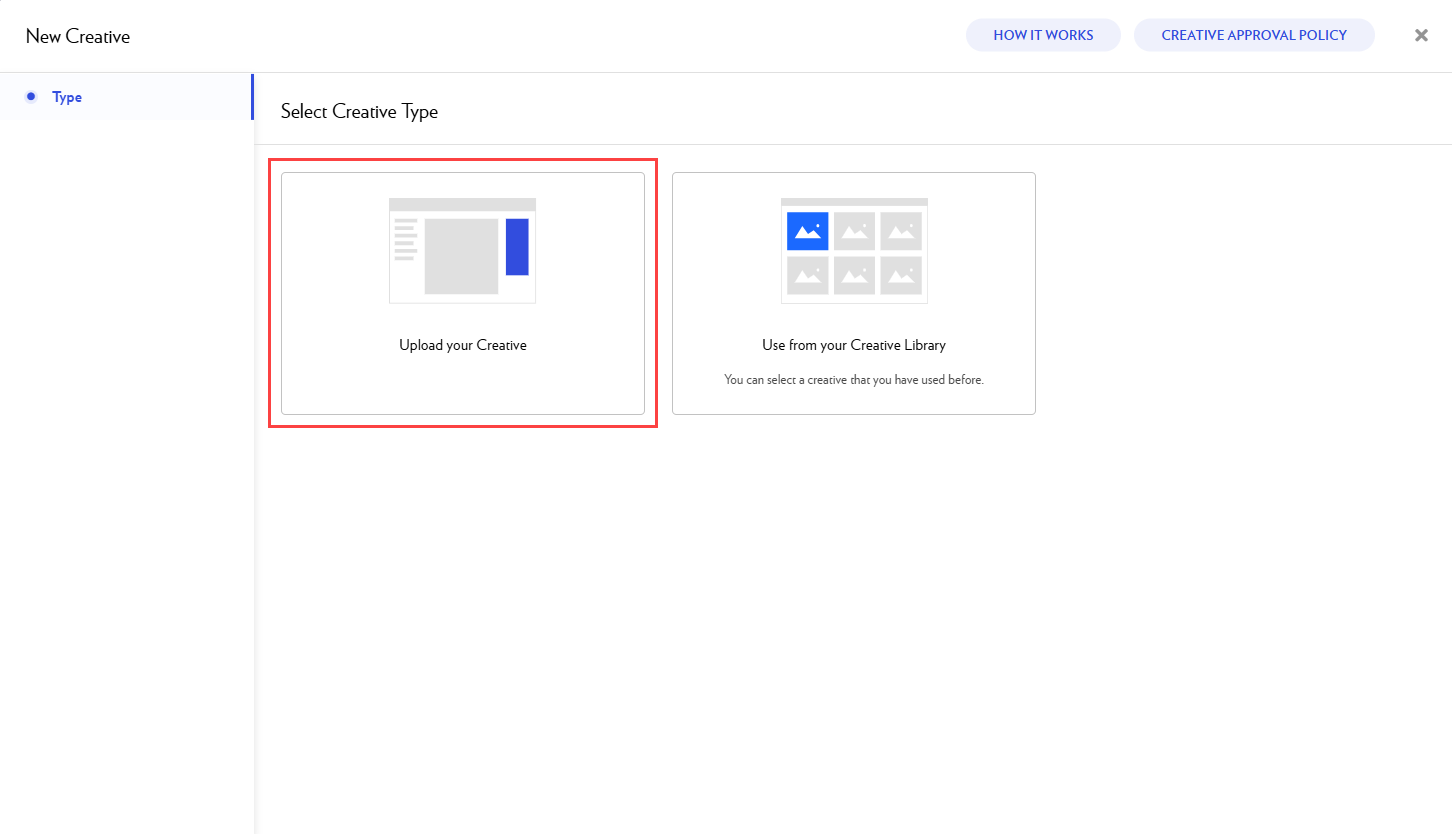
Select Upload your Creative.
-
Choose a format.
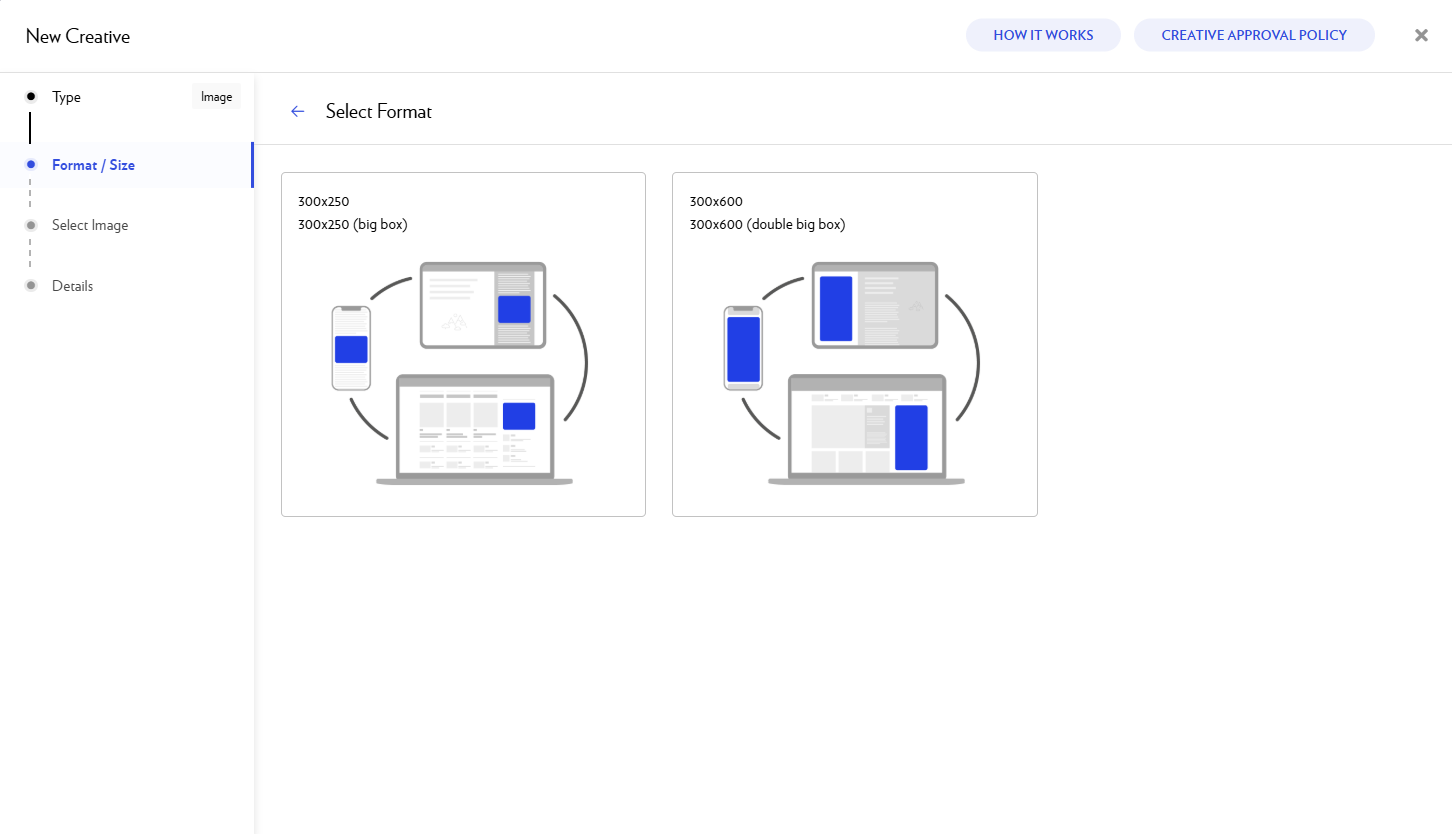
If the ad format you are looking for is not available, check the Campaign setup step in the Campaign Wizard to see which format has been selected.
-
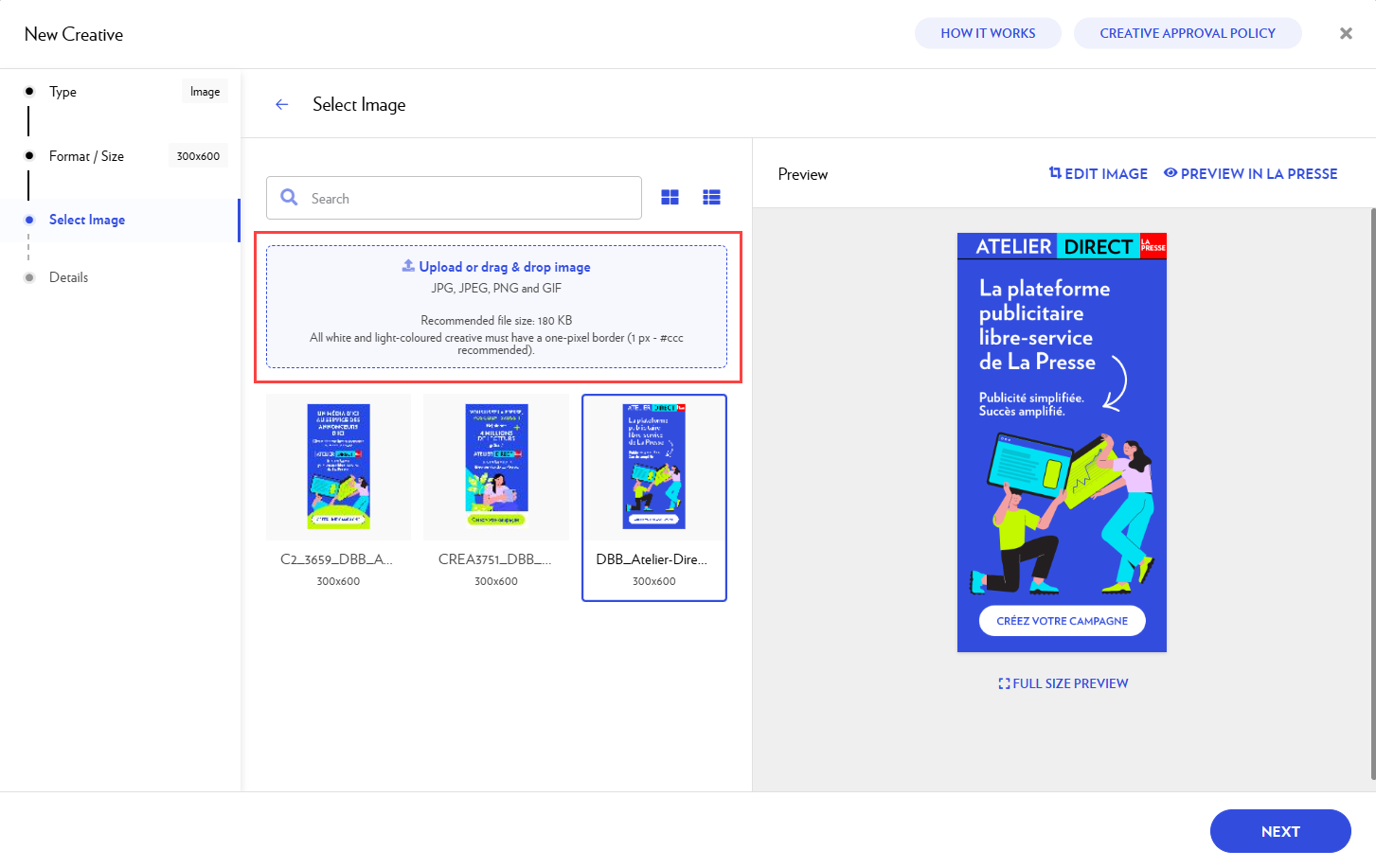
Add the image you want to use. You can:
-
Upload an image from your computer by clicking the blue rectangle.
-
Drag and drop the image file directly into the rectangle.
-
Select an image from your previous uploads.
-
-
If you want to adjust and crop the image, click Edit image.
-
Click Next.
-
Add the required information in Details:
-
creative name
-
destination URL
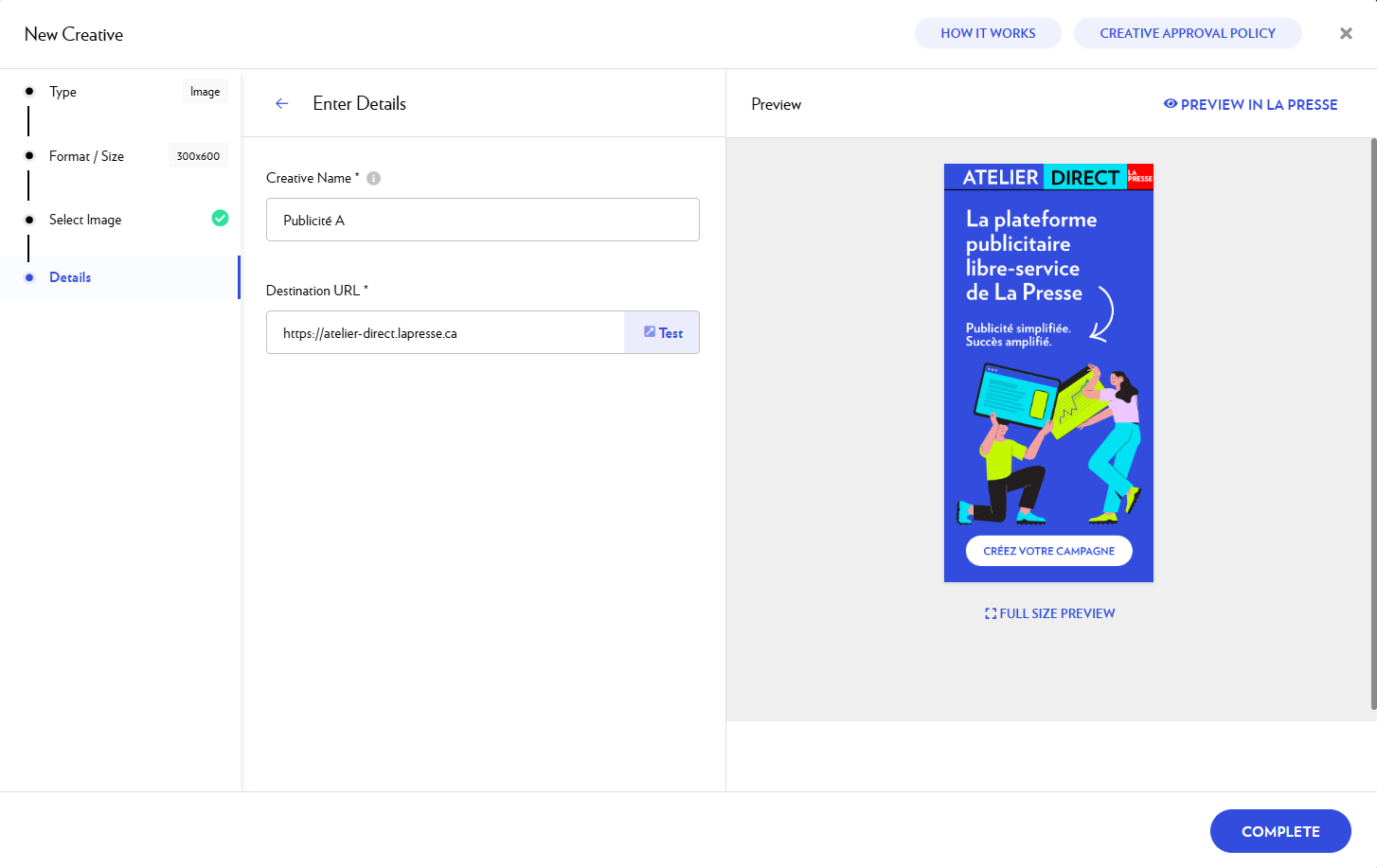
If you wish, you can add UTM parameters to your destination URL to identify the origin of the traffic generated by each creative and each campaign.
-
-
Click on Preview in La Presse to see how your ad will appear in our editions.
-
When you are done, select Complete.
-
Your new ad is then added to your campaign and submitted for approval.

Common questions
Why choose a big box (300 x 250) if it’s the same price as a double big box (300 x 600)?
The 300 x 250 format is a web standard, allowing advertisers to easily reuse their existing creative assets. However, please note that the double big box typically delivers higher performance.
Can I include a video in my banner?
The Atelier Direct platform does not support video integration within banners; only in-text ROS video is available for self-service.
However, La Presse offers a broader range of premium video formats. You can view our full suite of advertising formats in our Creative Kit.
To access these, a direct agreement with an advertising consultant is required (minimum budget of $5,000). Please note that these formats carry a higher CPM and are managed outside the Atelier Direct platform.
If you are interested in this option, please contact us at pub@lapresse.ca.