
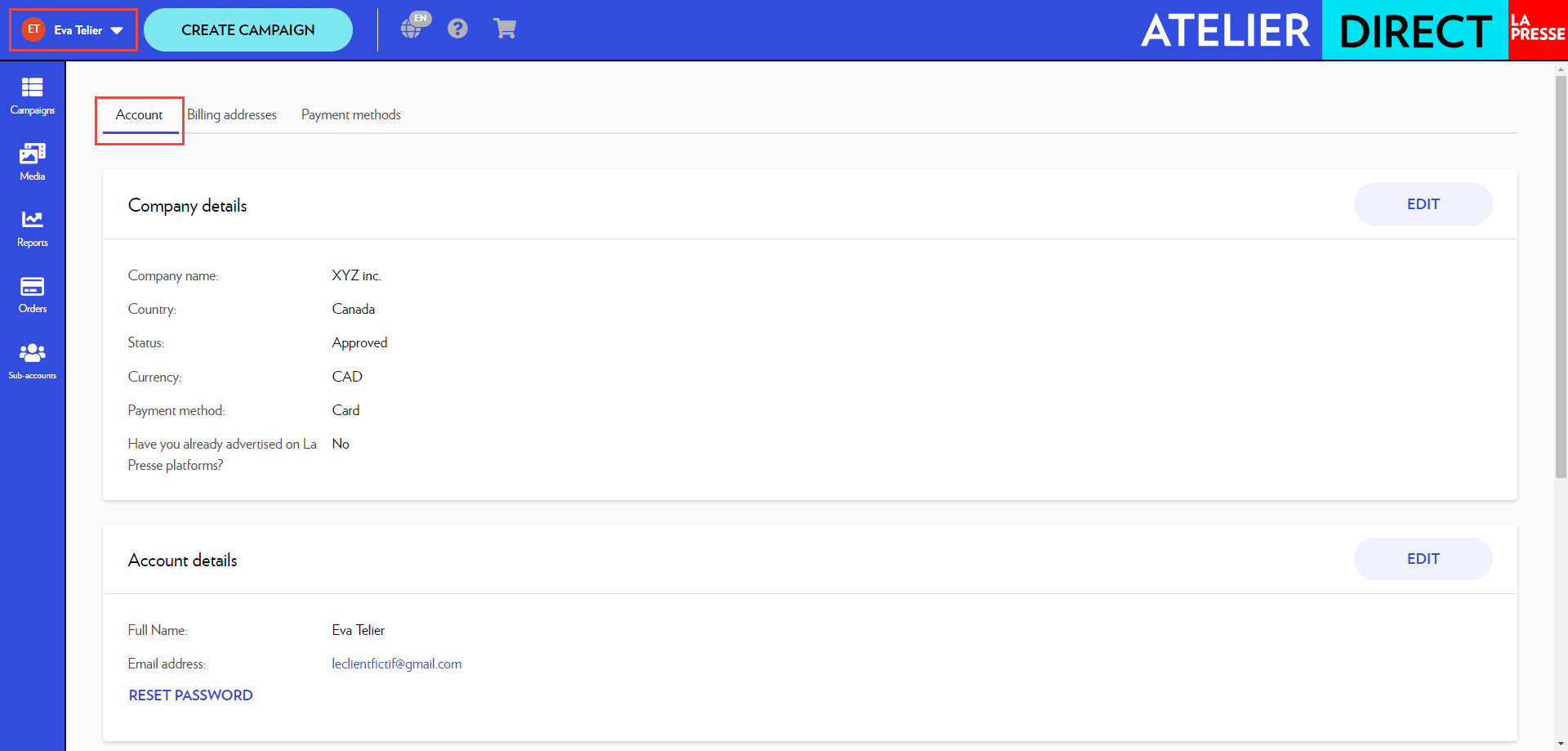
Your account details are in your profile. To access it, click the account icon at the top left and select Profile. The Account tab contains your account settings.
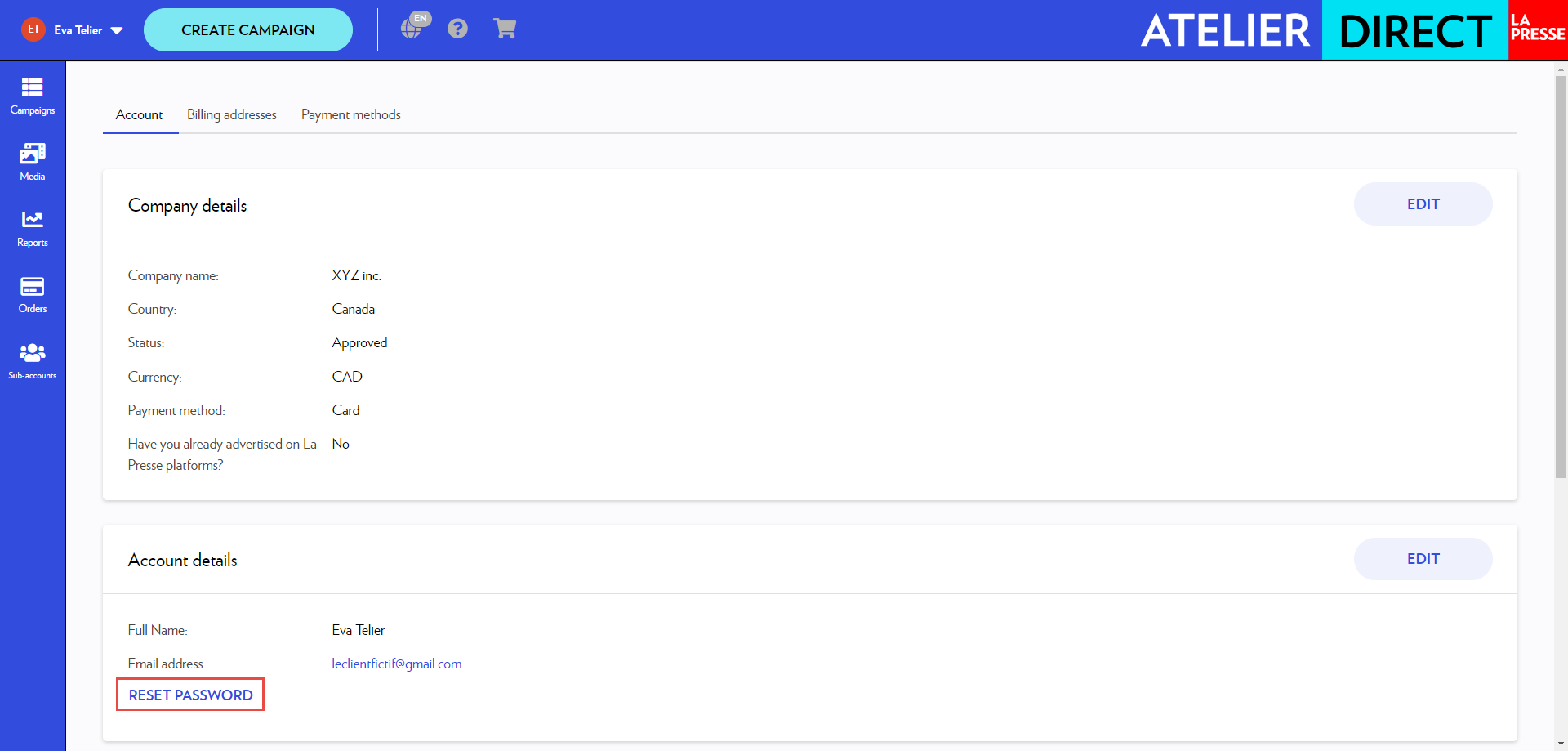
To change your password, select Reset password.
If you need to change your account email, please contact us using this form.
Billing addresses
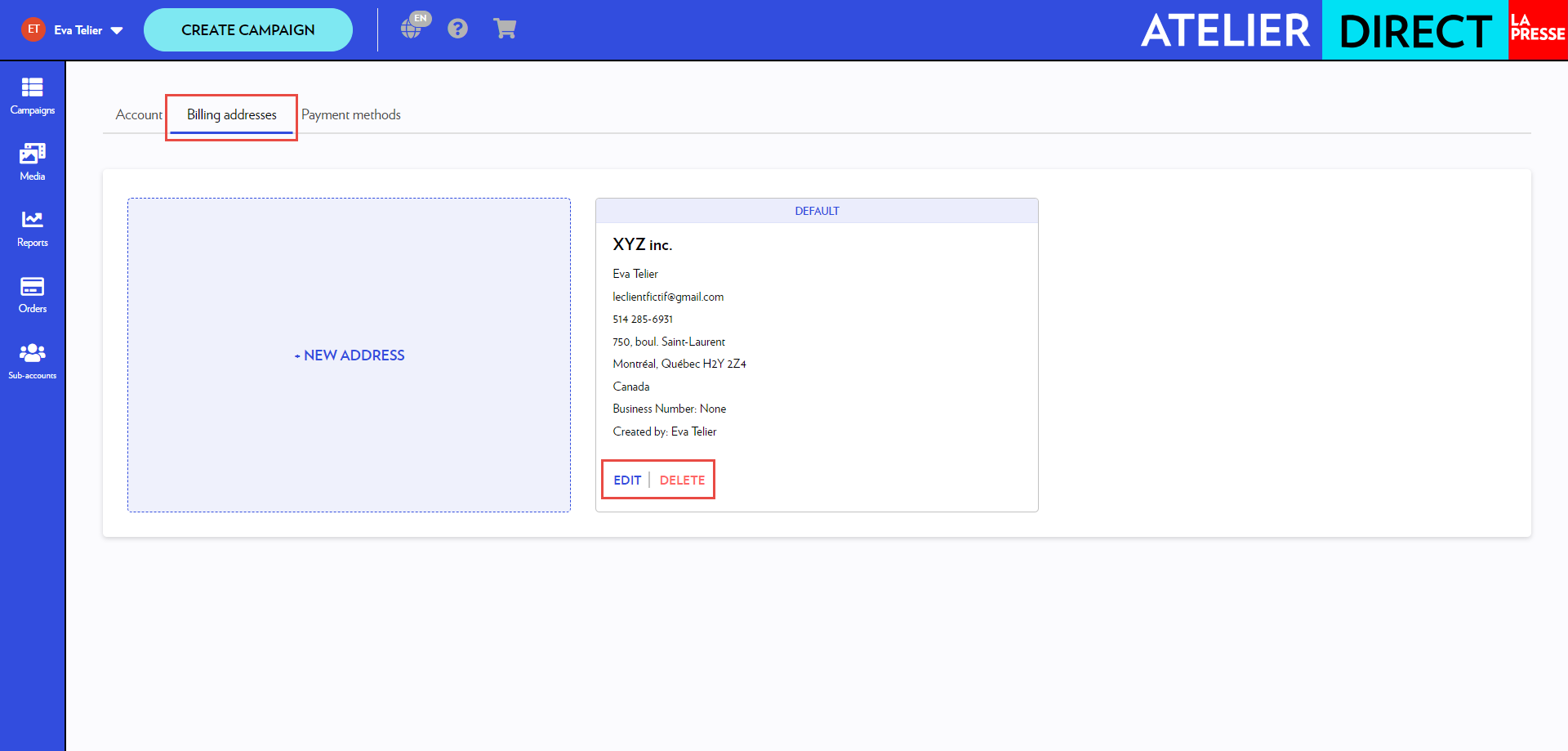
The Billing addresses tab contains the addresses registered in your account. You can Edit or Delete them.
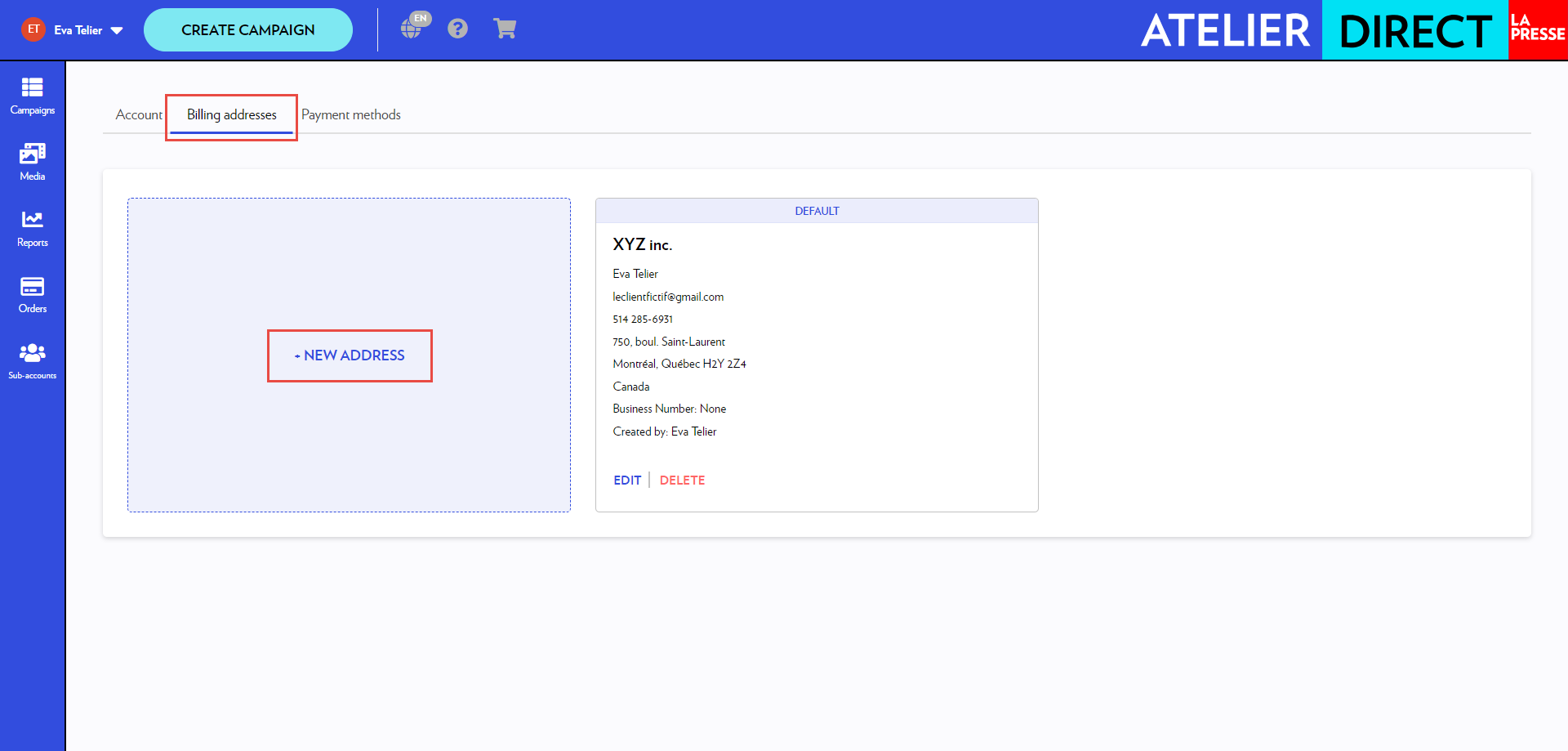
It is possible to have more than one address on file. To add a new address, click + New address.
Payment methods
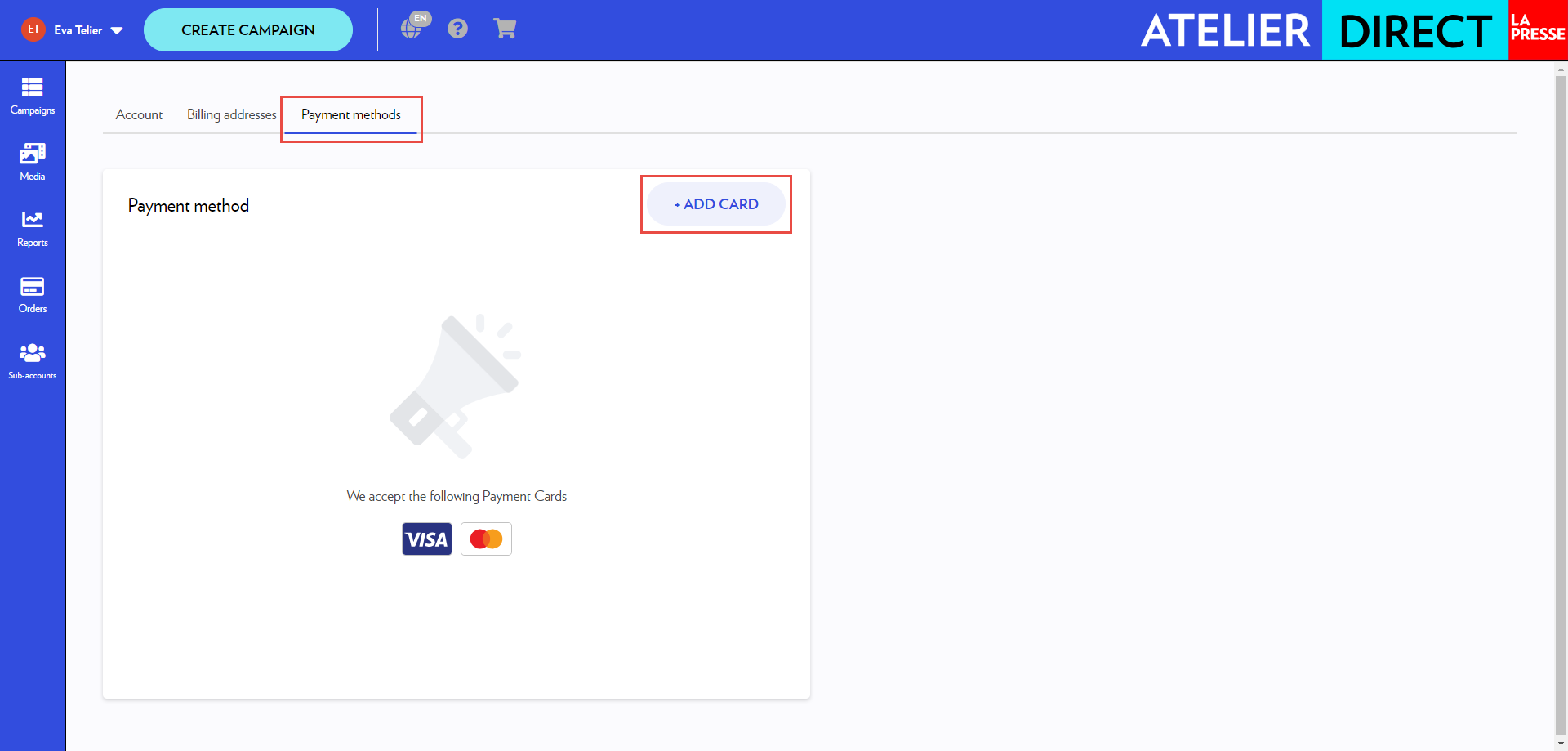
The Payment methods tab contains your stored credit card numbers.
To add a credit card, click + Add card.
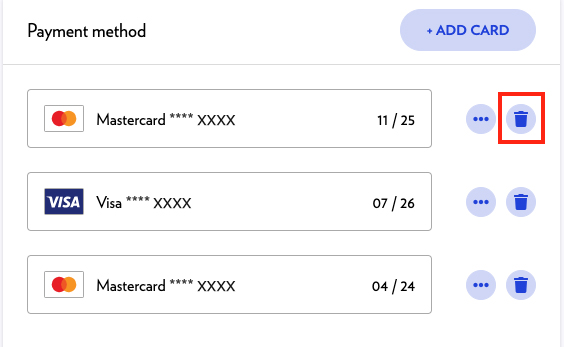
To remove a credit card, click the Trash icon.
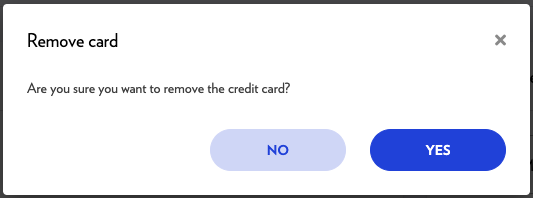
The removal of a credit card is permanent and cannot be undone.