
Reports show details and statistics for all your campaigns and orders.
You can download a one-time report or have a scheduled report sent to your email address at a specific frequency.
All reports are exported in Excel format.
The report functionality is accessible via the Report icon on the Dashboard.
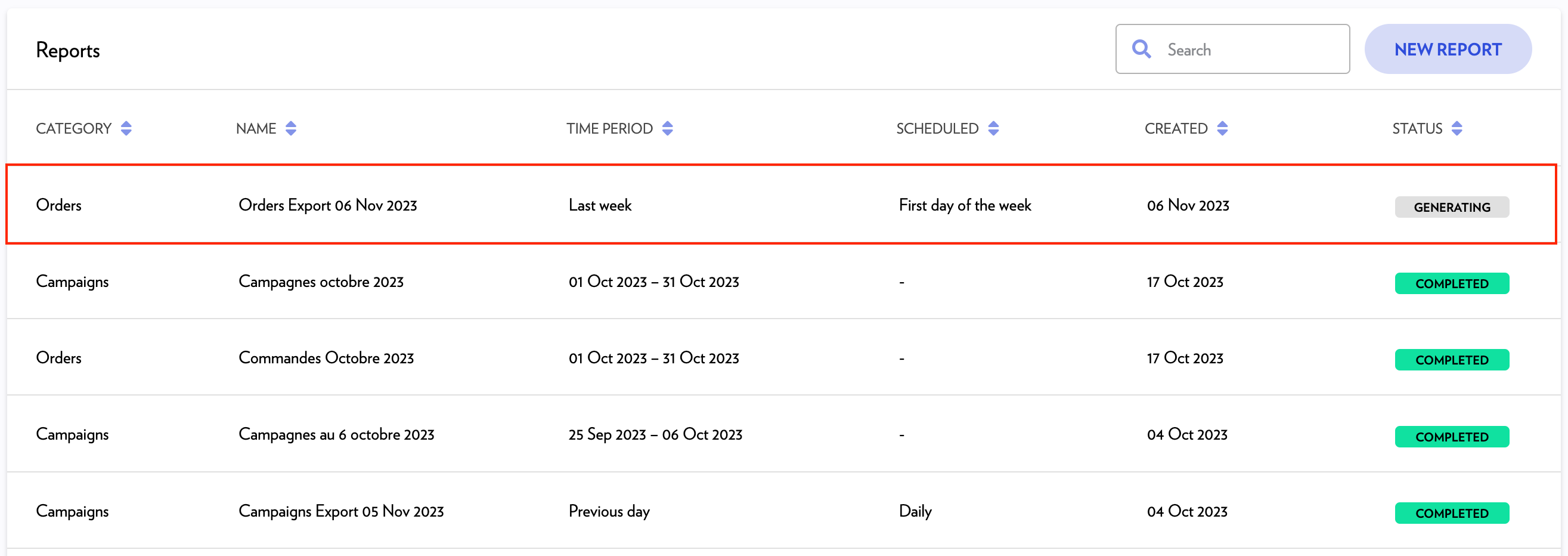
Create a report
-
Click New Report.
-
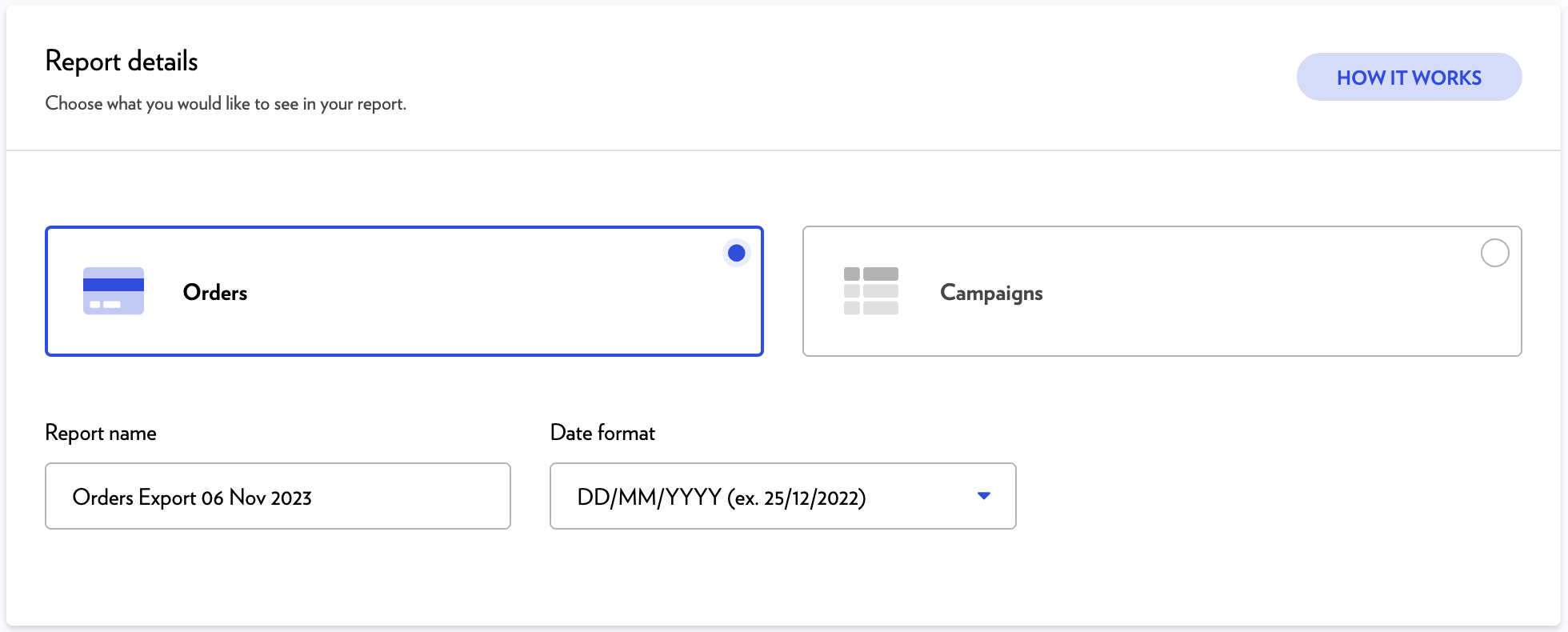
Select Campaigns or Orders.
-
Enter a report name and select the date format.
-
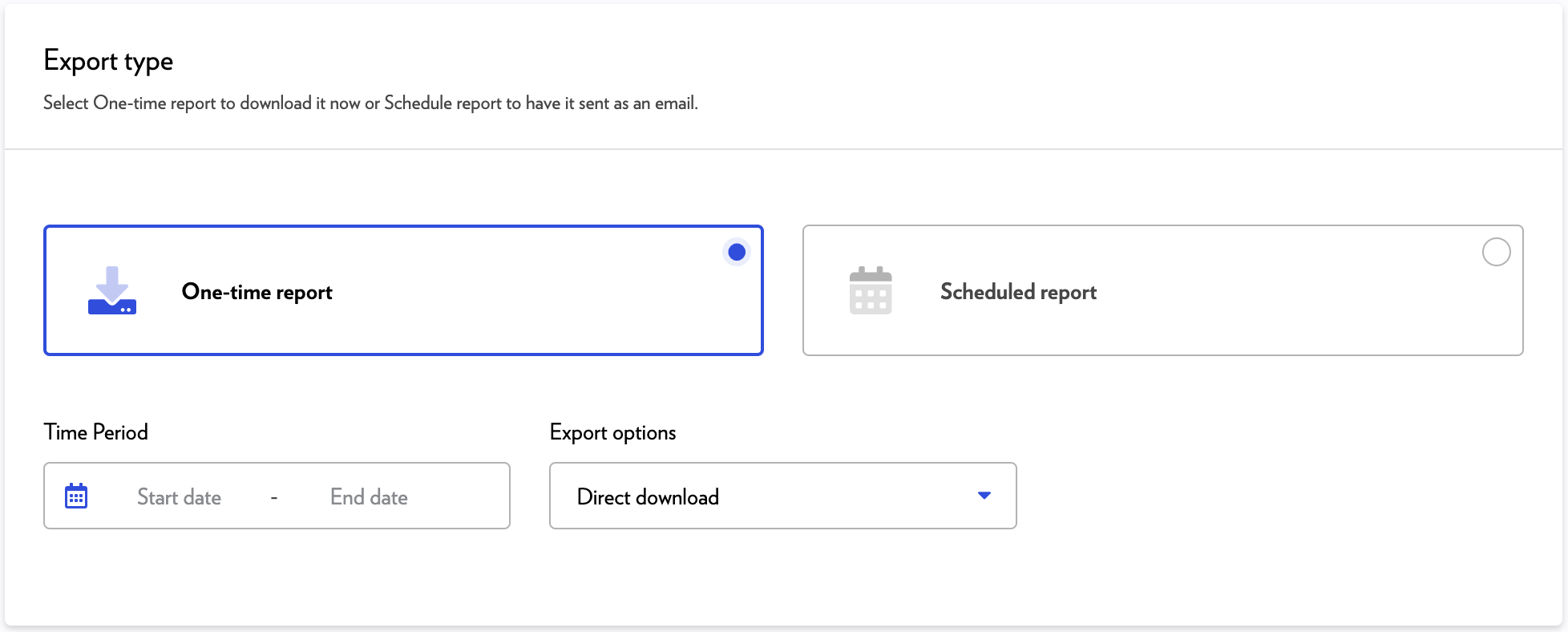
Select One-time report or Scheduled report.
One-time report
-
Set a period for which you want to export the data.
-
Select one export option.
-
Direct download – the report can be downloaded directly from the reports list.
-
Send by email - the report can be downloaded from a link sent by email (in addition to being downloadable directly from the reports list).
-
-
Click Save.
-
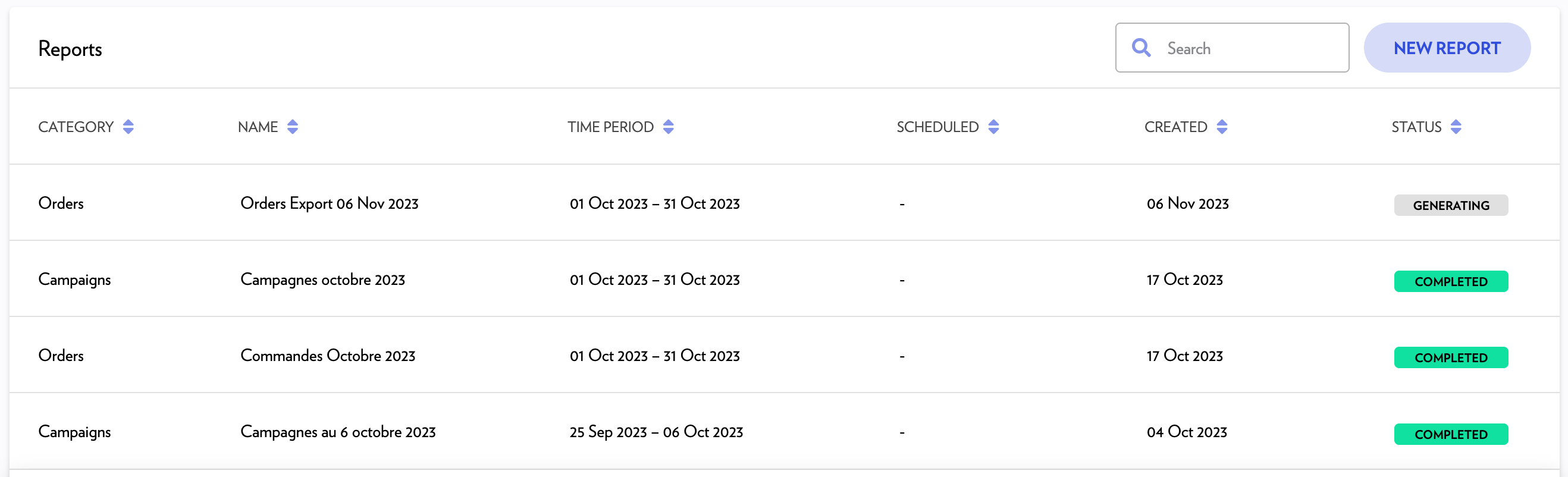
The new report will be at the GENERATING status until it is ready.
-
You can download the report when the status changes to COMPLETED .
Scheduled report
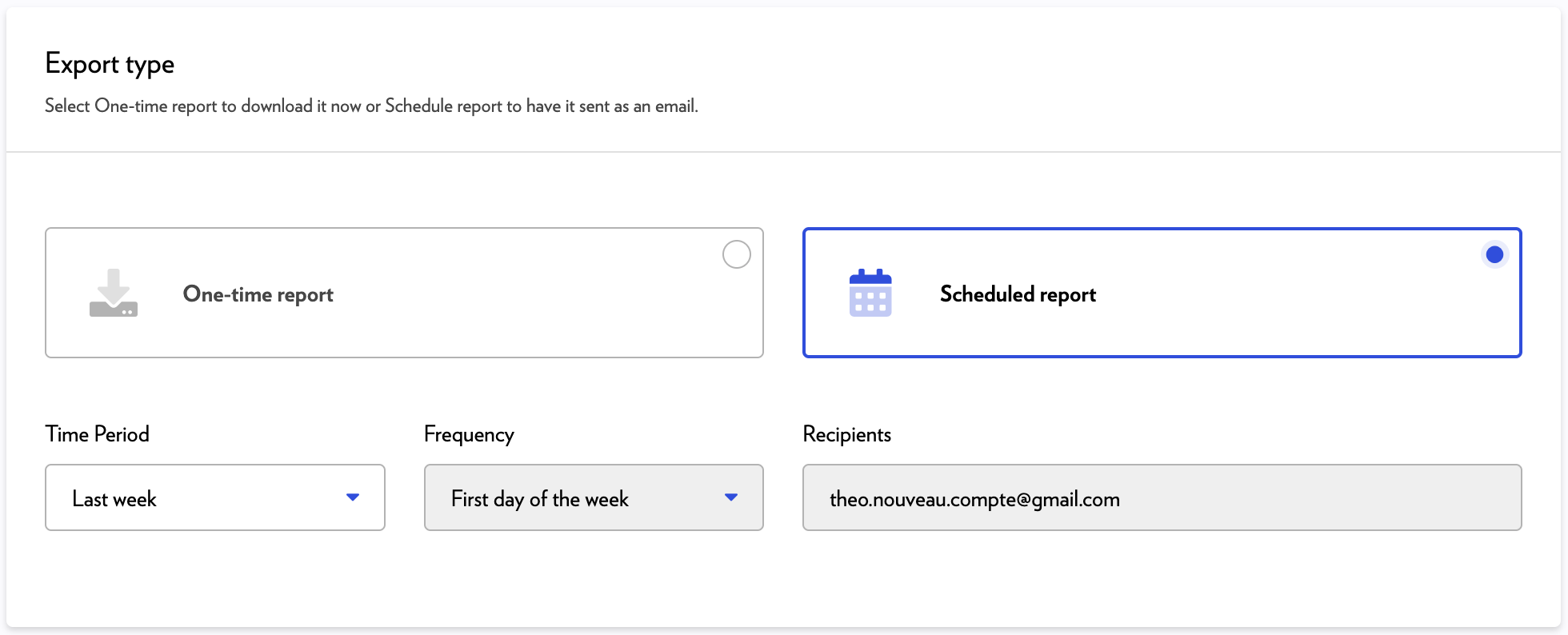
-
Select a period.
-
Frequency is automatically set based on the period chosen.
-
Click Save.
-
Your new scheduled report will be sent with regular frequency to the email address associated with your account.