
Before you can start using the platform, you must first sign up.
The sign-up process is easy. You will be up and running in a few minutes.
When you sign up, an account with your name, email address, and related information is created. You and the platform’s administrators can manage your account. However, only you can change or set your password.
The email address you use when signing up cannot be used by any other user in the platform.
Sign-up
You can sign up as an Advertiser or an Agency.
-
As an Advertiser, you create campaigns on your behalf, boosting your business.
-
As an Agency, you create campaigns on your clients’ behalf.
-
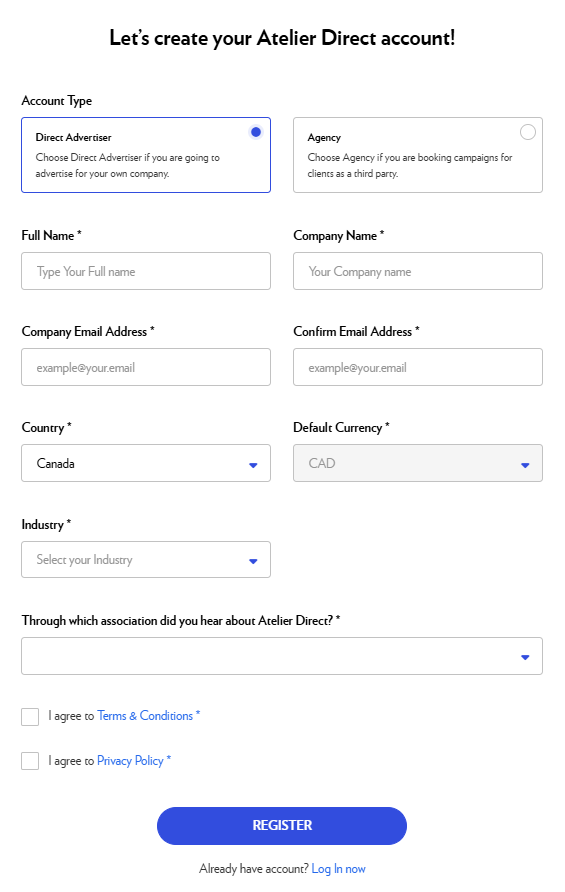
On the landing page, click Create your account.
-
Complete the form and click Register.
Kindly be advised that Atelier Direct services are exclusively offered to Canadian businesses. -
After signing up, you will receive a confirmation email with a link to set your password.
-
Check your inbox, open the confirmation email, and click Set password.
-
You will be redirected to a form asking you to create your password.
-
In both boxes, enter the same password and click Set password.
The password should include a minimum of 8 characters.
You will be automatically connected to the platform and redirected to the Dashboard.
Login
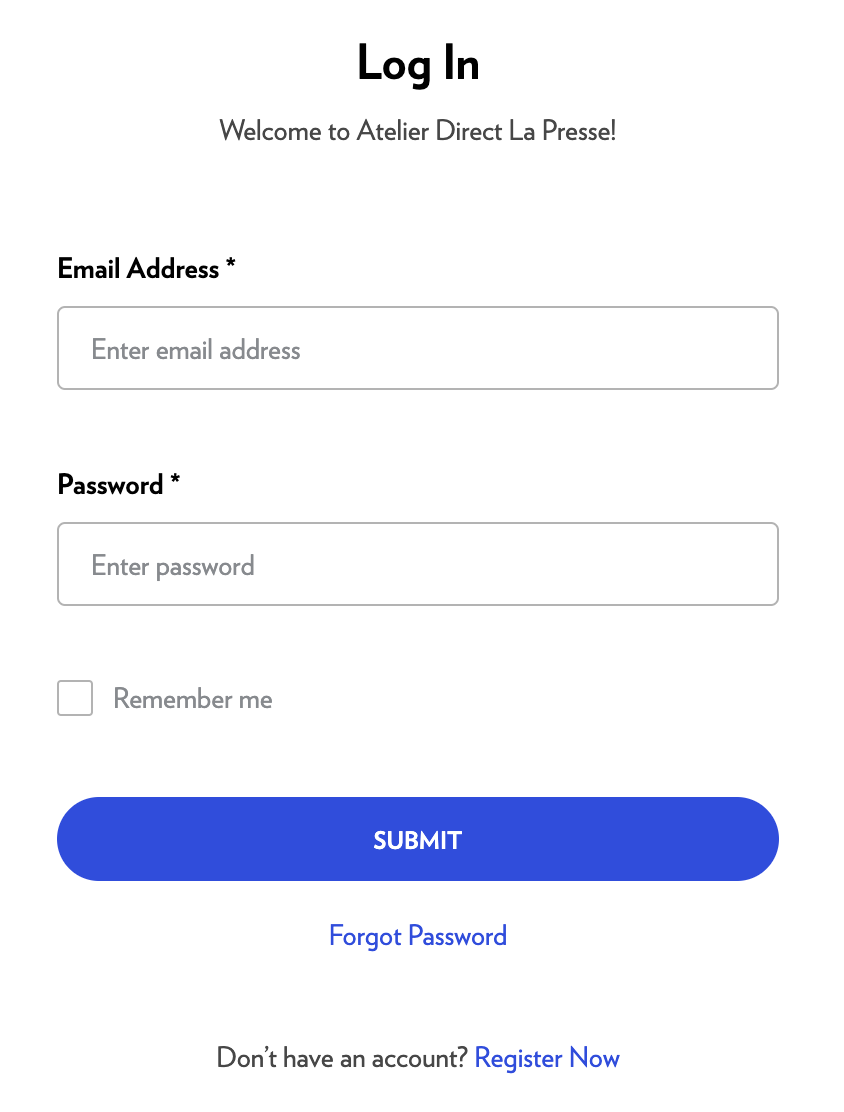
If you have an active account, you can log in to the platform.
-
Enter your email address.
-
Enter your password.
-
Click Submit.
If your account is active, you will be logged in and redirected to the Dashboard.
Login error
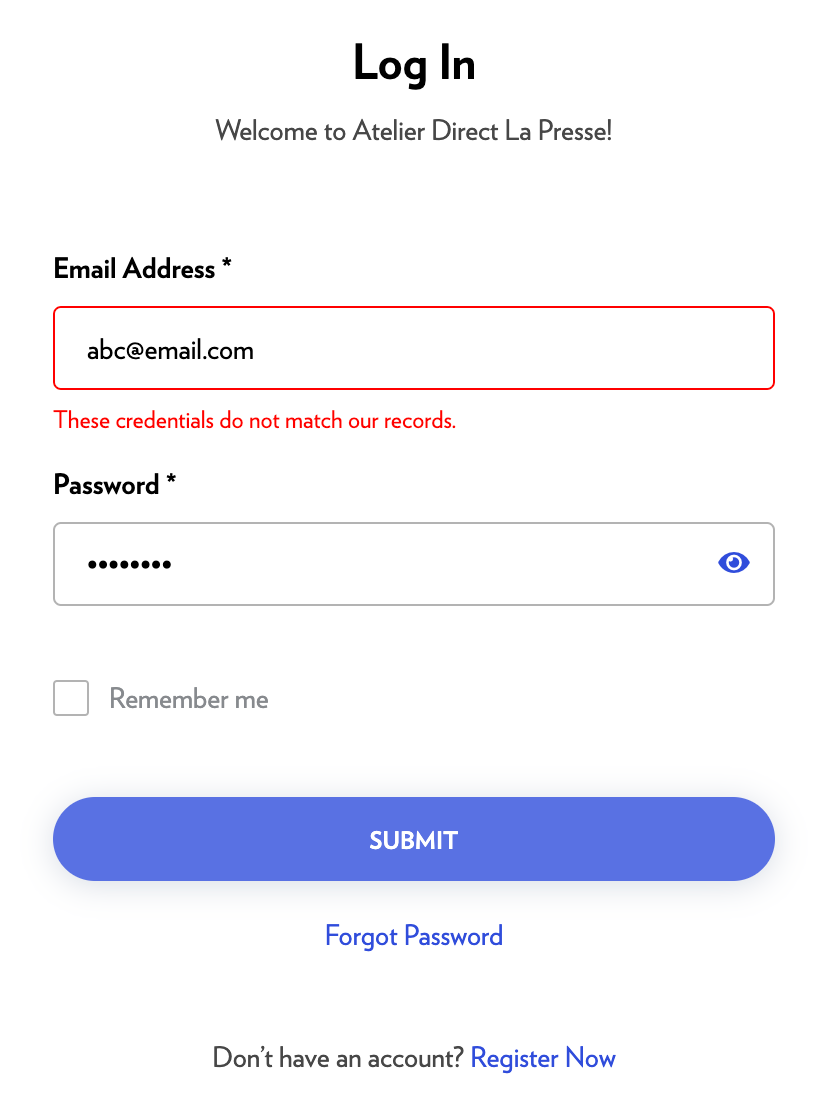
If your account and password do not match an account in the platform, an error message will be displayed.
-
Check your email address and your password and try again.
-
You can also reset your password by selecting Forgot password.
If you still cannot connect, please contact us by filling out this form.
Password forgotten
If you forget your password, you can reset it.
-
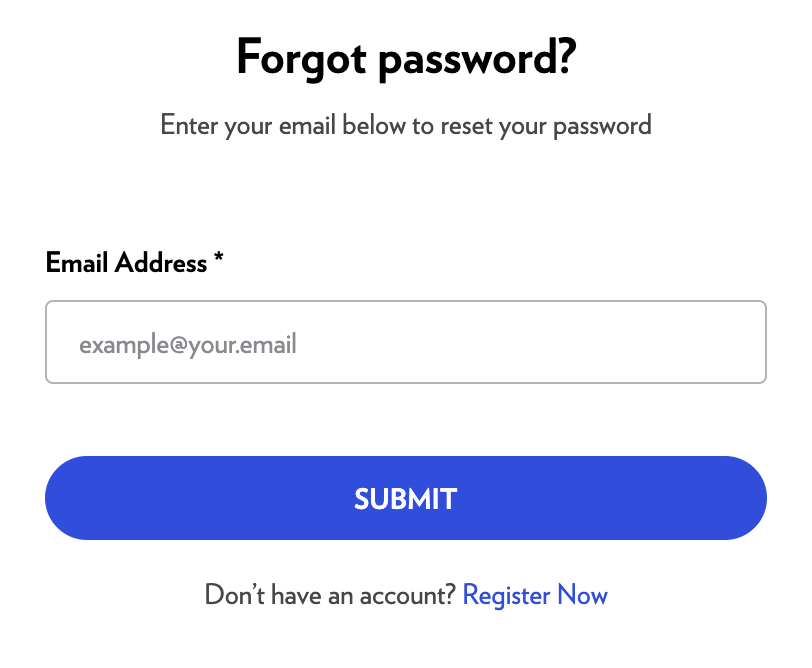
On the login page, select Forgot Password.
-
Enter your email address.
-
Click Submit.
-
You will receive an email with a link to set a new password.
-
In the email, click Set new password.
You will be redirected to the platform. -
Enter your new password.
-
Click Reset password.
-
You will be logged in and redirected to the Dashboard.
Oops! - Session logout
For security purposes, if you have been inactive for a certain period, you will be automatically logged out. This feature protects your account if you leave your computer unattended with the browser open.
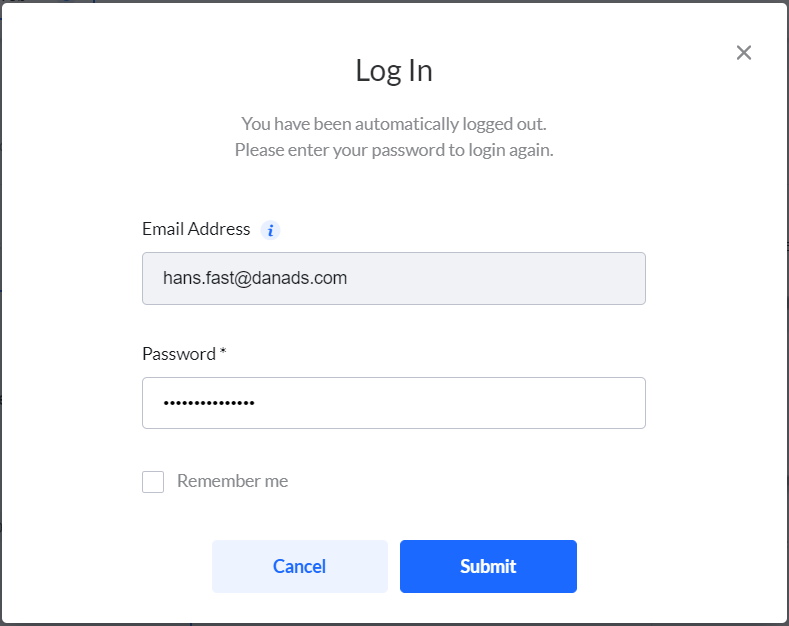
Enter your information again and click Submit. You will be redirected to the platform.
If you were creating or editing a campaign when you were logged out, you will find your campaign on the Dashboard.